Why Multi-Tenancy?
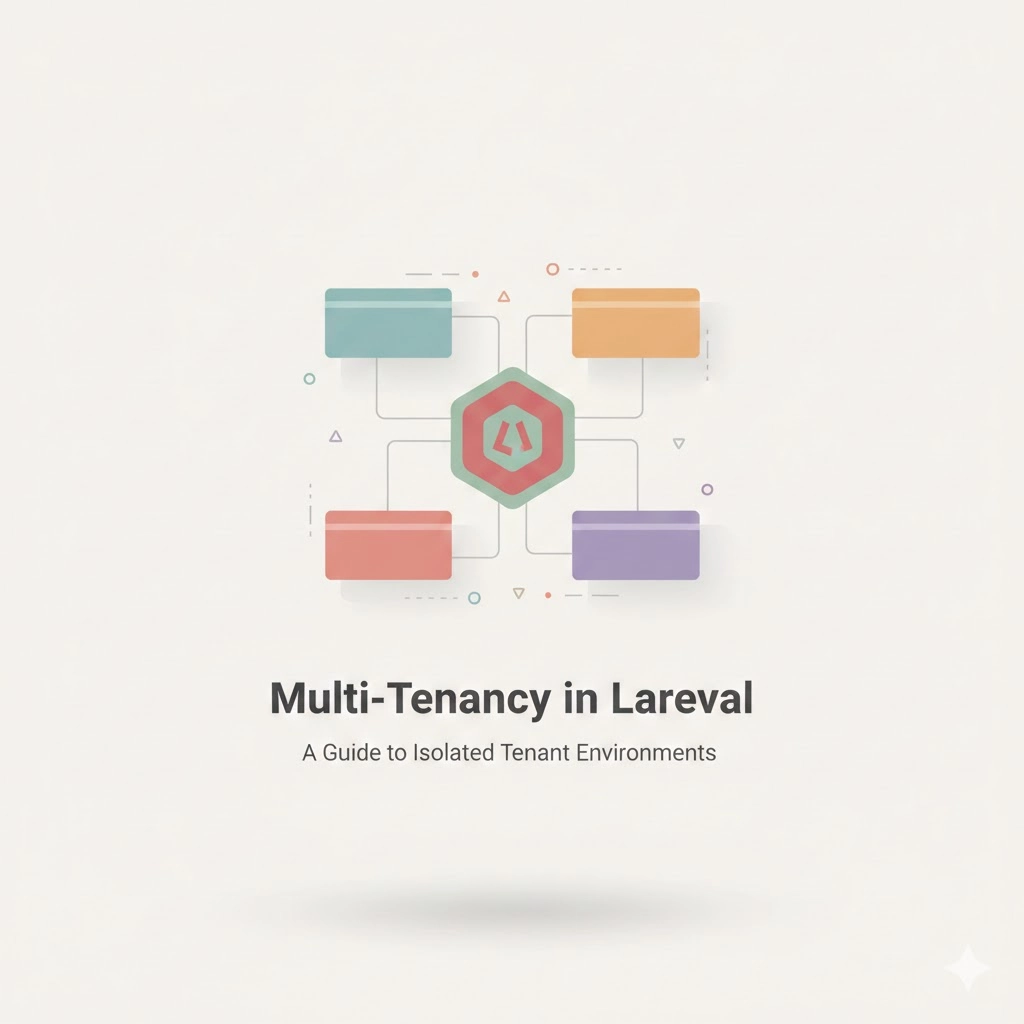
Multi-tenancy is the architecture pattern where a single application instance serves multiple customers (tenants), each with their own isolated data. Think of it like an apartment building — one building, many units, each with their own lock and key.
If you're building a SaaS product, you'll inevitably face this decision: how do I isolate tenant data? The answer has major implications for security, performance, cost, and complexity.
The Three Strategies
1. Single Database, Shared Schema
Every table has a tenant_id column. This is the simplest approach but requires discipline — forget one where clause and you've got a data leak.
// A global scope handles tenant filtering automatically
class TenantScope implements Scope
{
    public function apply(Builder $builder, Model $model): void
    {
        if (auth()->check()) {
            $builder->where($model->getTable() . '.tenant_id', auth()->user()->tenant_id);
        }
    }
}

// Apply it via a trait
trait BelongsToTenant
{
    protected static function bootBelongsToTenant(): void
    {
        static::addGlobalScope(new TenantScope);

        static::creating(function (Model $model) {
            if (auth()->check()) {
                $model->tenant_id = auth()->user()->tenant_id;
            }
        });
    }
}

// Usage is invisible to the developer
class Invoice extends Model
{
    use BelongsToTenant;
}

// This query is automatically scoped
Invoice::all(); // SELECT * FROM invoices WHERE tenant_id = 1
Pros: Simple deployment, easy backups, low cost.
Cons: Risk of data leakage, harder to scale individual tenants, noisy neighbor problem.
2. Single Database, Separate Schemas
Each tenant gets their own database schema (or prefix). This gives better isolation without the overhead of multiple databases.
// Dynamically set the table prefix per tenant
class TenantDatabaseManager
{
    public function connect(Tenant $tenant): void
    {
        config(['database.connections.tenant.prefix' => "tenant_{$tenant->id}_"]);
        DB::purge('tenant');
        DB::reconnect('tenant');
    }
}
3. Database Per Tenant
Each tenant gets their own database. Maximum isolation, but highest operational complexity.
// config/database.php — the tenant connection is dynamic
'tenant' => [
    'driver' => 'mysql',
    'database' => '', // Set at runtime
    'host' => env('DB_HOST', '127.0.0.1'),
    // ...
],

// Tenant middleware resolves and connects
class IdentifyTenant
{
    public function handle(Request $request, Closure $next)
    {
        $tenant = Tenant::where('domain', $request->getHost())->firstOrFail();

        config([
            'database.connections.tenant.database' => "tenant_{$tenant->id}",
        ]);

        DB::purge('tenant');
        app()->instance(Tenant::class, $tenant);

        return $next($request);
    }
}
Tenant Resolution Strategies
How do you know which tenant a request belongs to? Common approaches:
- Subdomain:
acme.yourapp.com— clean, professional, easy to parse - Path prefix:
yourapp.com/acme/dashboard— simpler DNS setup - Custom domain:
app.acme.com— requires wildcard SSL or per-domain certs - Request header:
X-Tenant-ID: acme— common for APIs
// Subdomain resolver
class SubdomainTenantResolver implements TenantResolver
{
    public function resolve(Request $request): ?Tenant
    {
        $subdomain = explode('.', $request->getHost())[0];

        return Tenant::where('slug', $subdomain)->first();
    }
}
Migration Management
With database-per-tenant, you need to run migrations across all tenant databases:
// artisan command: php artisan tenants:migrate
class TenantMigrate extends Command
{
    protected $signature = 'tenants:migrate {--tenant=}';

    public function handle(): void
    {
        $tenants = $this->option('tenant')
            ? Tenant::where('id', $this->option('tenant'))->get()
            : Tenant::all();

        $tenants->each(function (Tenant $tenant) {
            $this->info("Migrating tenant: {$tenant->name}");

            config(['database.connections.tenant.database' => "tenant_{$tenant->id}"]);
            DB::purge('tenant');

            Artisan::call('migrate', [
                '--database' => 'tenant',
                '--path' => 'database/migrations/tenant',
                '--force' => true,
            ]);

            $this->info(Artisan::output());
        });
    }
}
Which Strategy Should You Choose?
| Factor | Shared Schema | Separate Schema | Separate DB |
|---|---|---|---|
| Isolation | Low | Medium | High |
| Complexity | Low | Medium | High |
| Cost | Low | Medium | High |
| Tenant Count | Thousands | Hundreds | Tens to Hundreds |
| Compliance (GDPR) | Harder | Easier | Easiest |
Start with the shared schema approach. Move to separate databases only when regulatory requirements or a specific high-value tenant demands it. Premature isolation is a form of over-engineering.
Key Takeaways
- Use global scopes to enforce tenant isolation automatically
- Always write tests that verify cross-tenant data cannot leak
- Consider using packages like
stancl/tenancyfor database-per-tenant setups - Cache tenant resolution — it happens on every single request
- Plan your migration strategy before you have 100 tenants